From the recipe notebook
to the month's bottom line.
Four steps that match the real workflow in the workshop. Everything is connected: what you make comes out of inventory, and what you sell shows up in the numbers. Below, each step with the screen you will actually use.
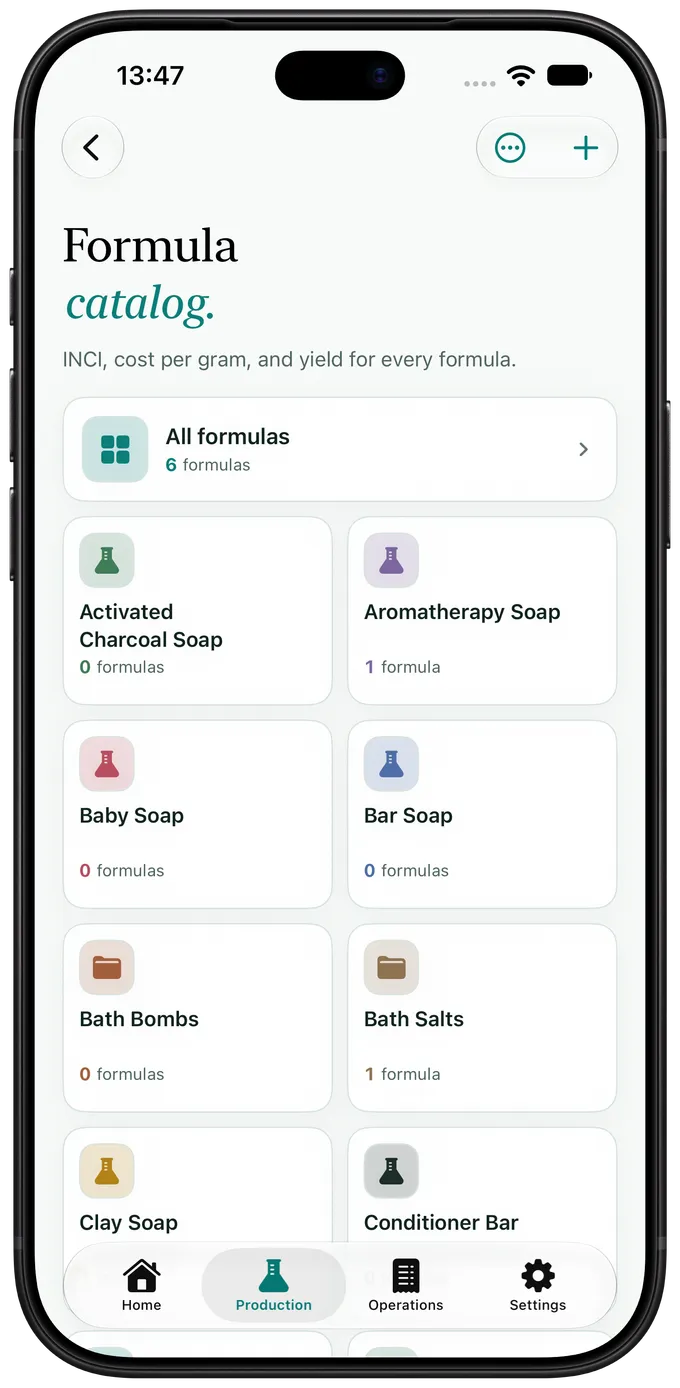
Start with the formula.
Each formula is your complete production recipe: raw materials, bases and phases, percentages, and method. In grams and milliliters, just as you weigh them out.


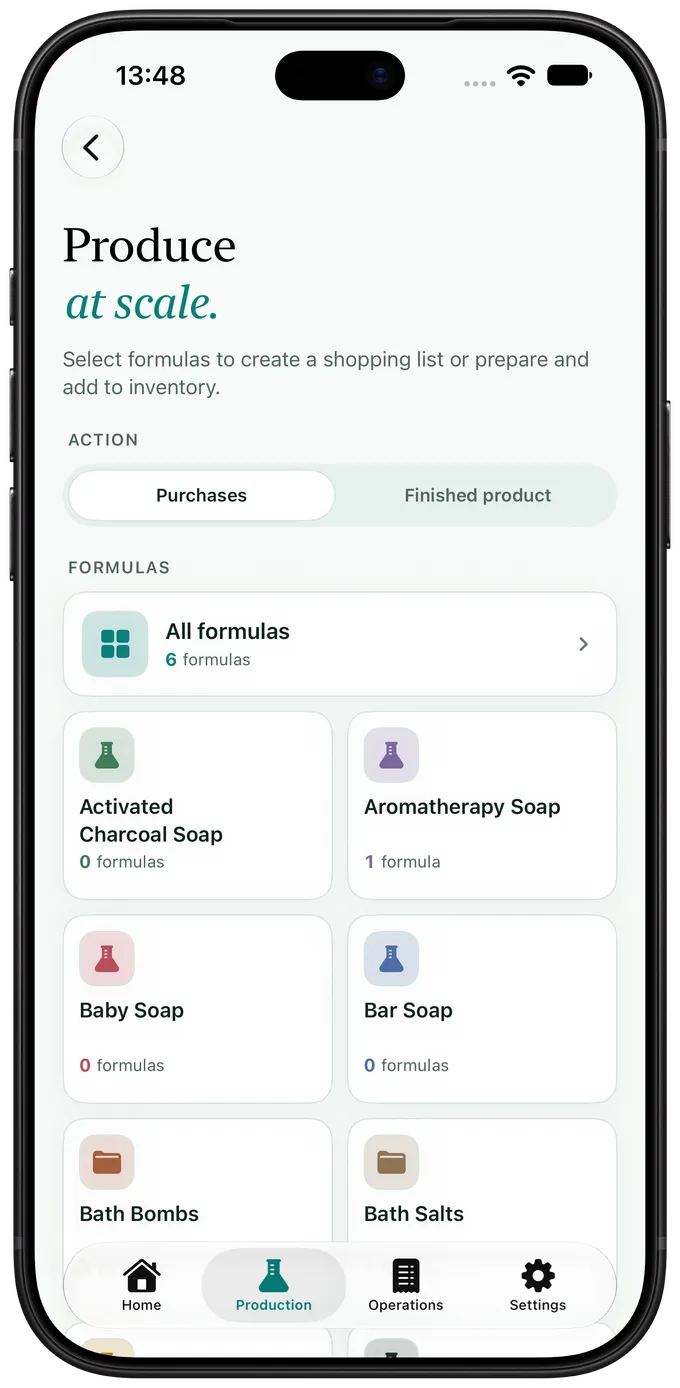
Scale up production.
Choose a formula and batch size: the app calculates the ingredients, creates a weigh sheet, and deducts them from inventory when you finish. Every batch run is recorded with its actual cost and traceability.
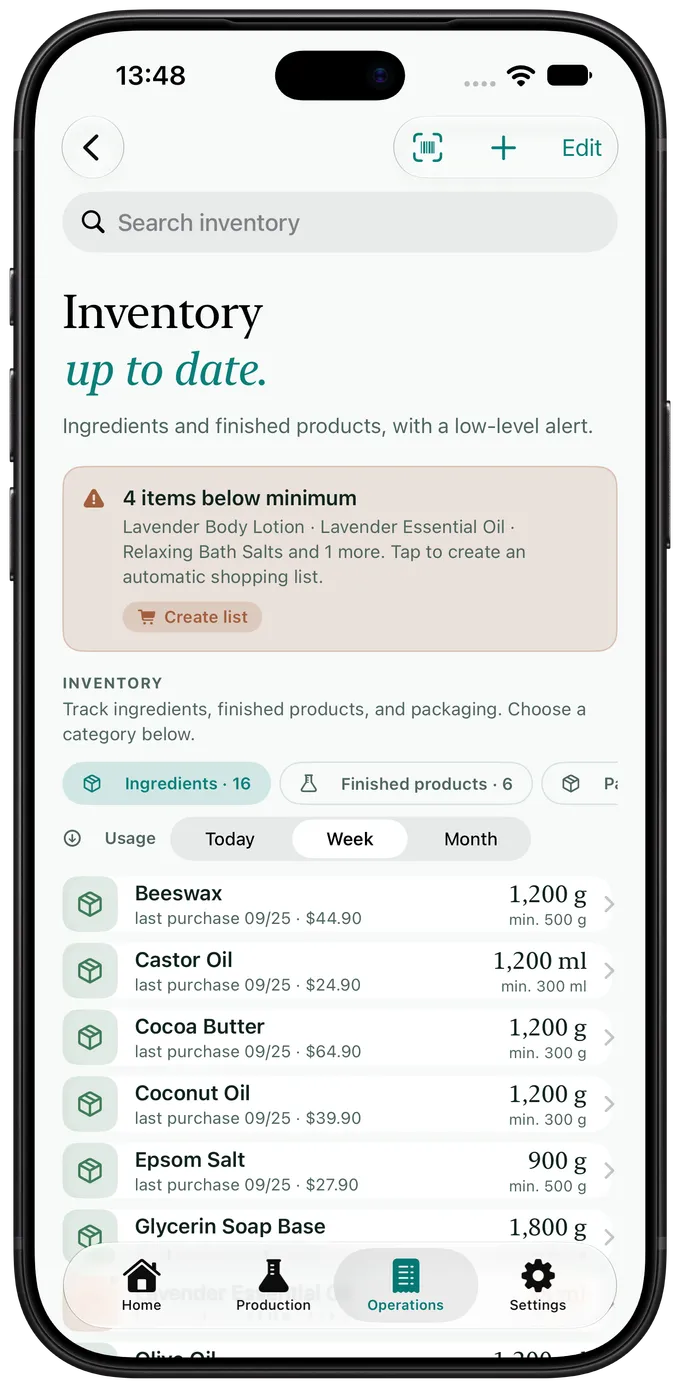
Inventory keeps itself in check.
Scan a Brazilian NF-e / DANFE invoice and the ingredients come in with their price and quantity. Add barcodes, spreadsheet imports, and low-inventory alerts before a missing item stops production.

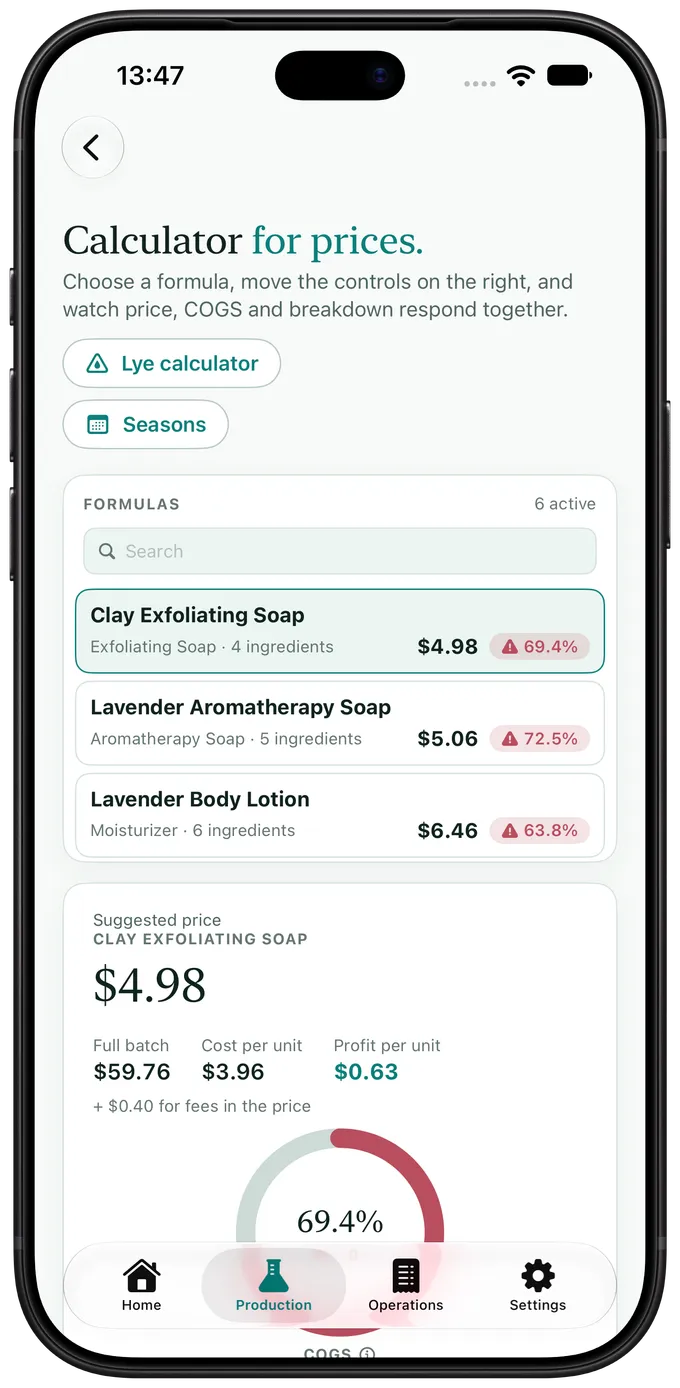
The right price, without the spreadsheet.
Ingredients, packaging, labor, and expenses become your true cost per unit. Set your margin, see the suggested price, and track revenue, expenses, and your bottom line in one dashboard.
The same batch,
from iPhone to PC.
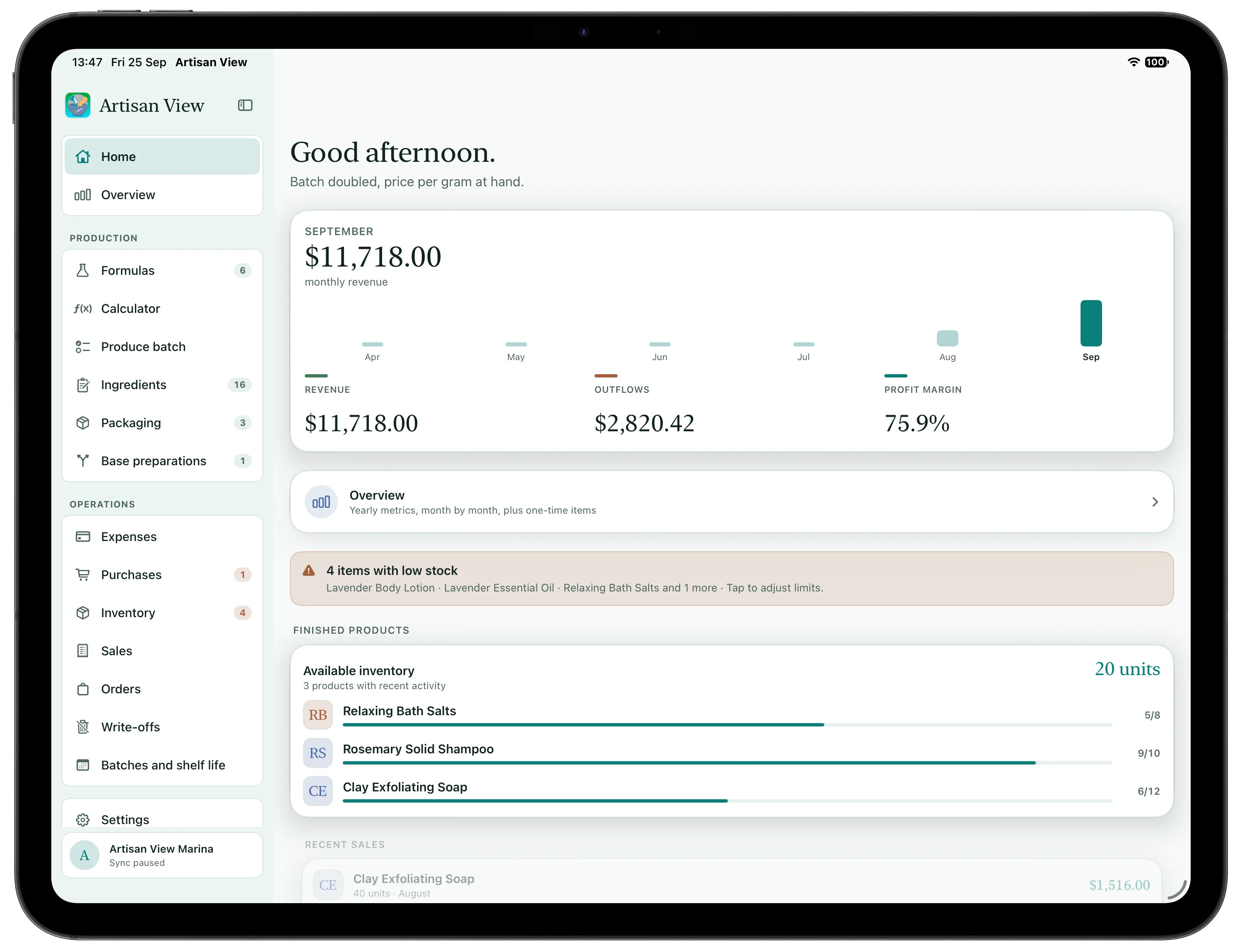
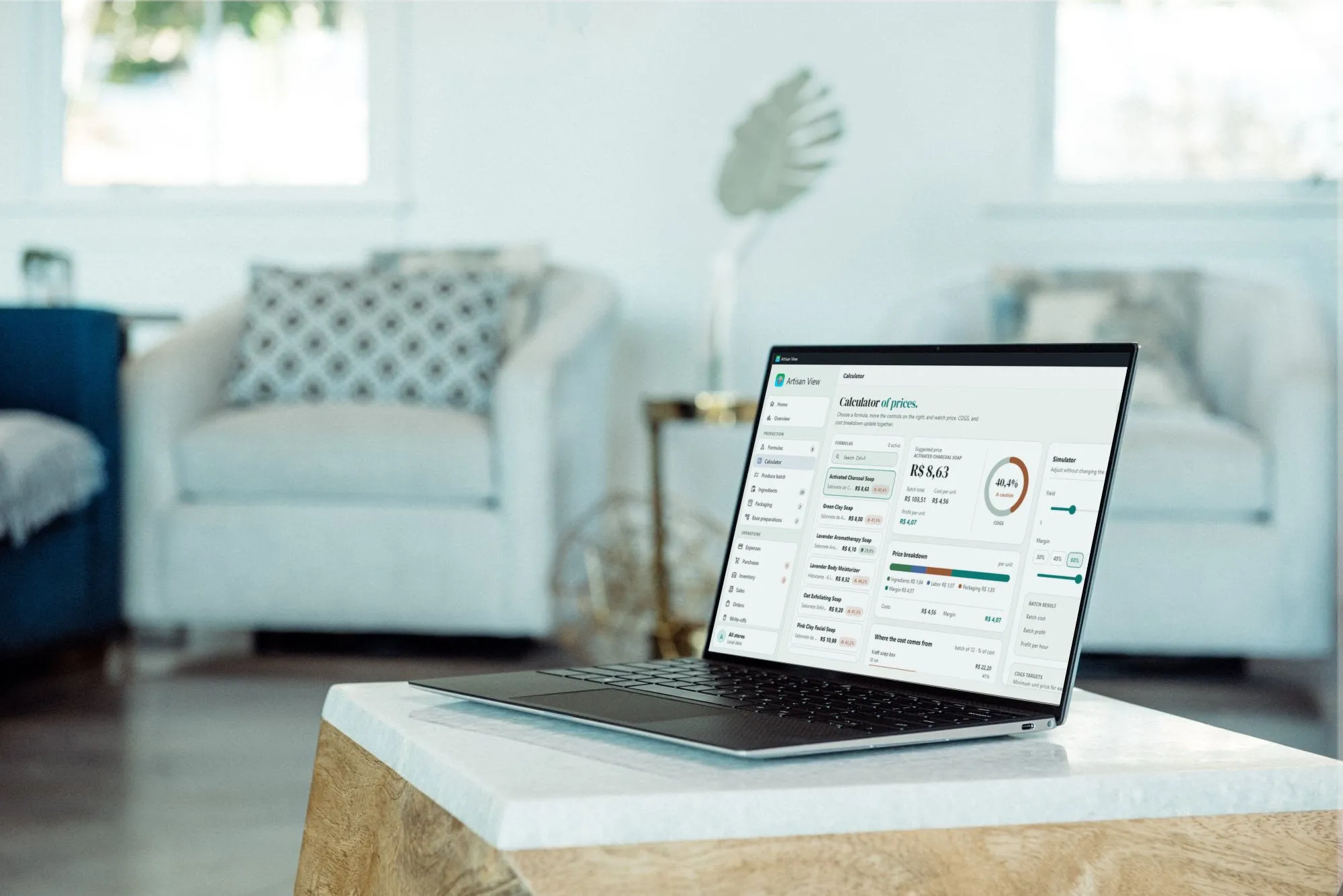
The four steps do not live on one device. You weigh the batch on iPhone, with the app open on the bench. You check inventory on iPad, with the whole sidebar in view. You close the month on Mac or a Windows PC, with a keyboard and a wide column. It is the same workshop: Apple devices sync through iCloud, Google Drive carries the same data to Windows, and everything stays to hand when the bench loses signal.
iPhone
Weighing the batch, reading an invoice through the camera, and taking stock down at the moment production happens.
iPad
The sidebar stays in view: formulas, batches, ingredients, inventory and sales one tap away, with the month beside them.
Mac
Costs, margins and the result on a large screen, to review a price and plan the next run.
Windows
The same workshop on your PC, installed from the Microsoft Store. Formulas, batches, inventory, and sales on a big screen, synced with your phone through Google Drive.
The steps are here. The work happens in the app.
Add your formulas and Artisan View works out cost, margin, and a suggested price for you.
See plans and pricing